
Magicwin Casino Login
Sign up today and start playing instantly with fast, secure login in under two minutes.
Games at Magicwin Casino






Full Game Catalog






You can be inside your Magicwin Casino account in less than two minutes, as long as you know the routine. This page covers the sign-in steps for every registration method, plus fixes for incorrect passwords, locked accounts and verification that is still pending. Support via live chat and email is available 24/7 whenever you need help.
How to Log In: Step-by-Step
Your login route depends on how you signed up. Work through these steps on any desktop or mobile browser:
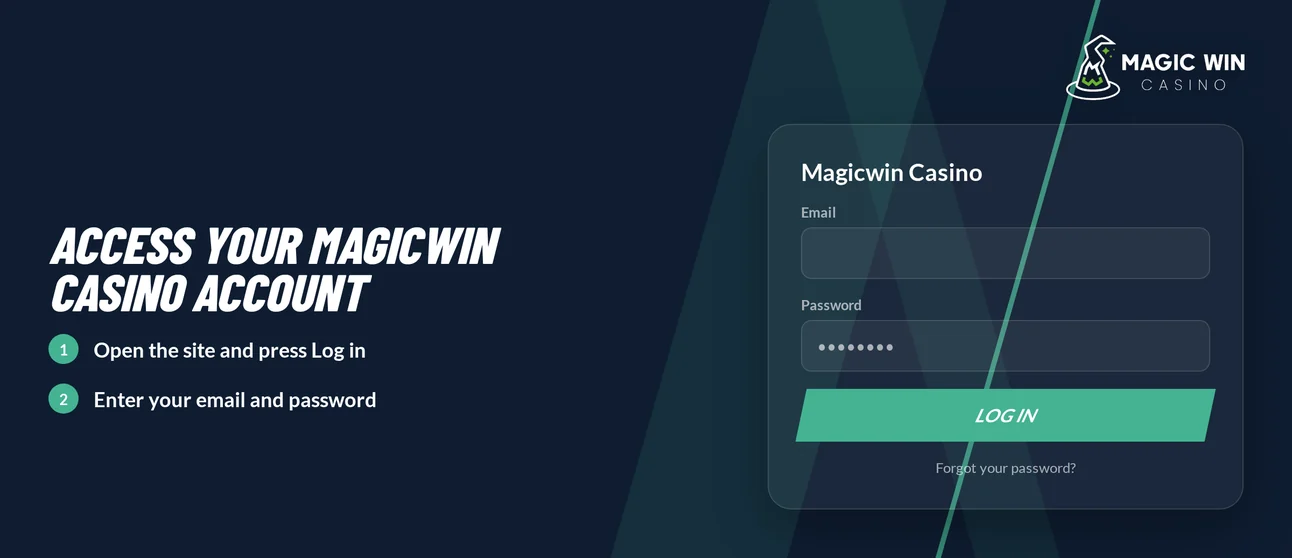
Go to the Magicwin Casino website and click Login.
Fill in the credentials that correspond to your registration method.
If the site requests e-mail confirmation, complete it. Access requires your password and e-mail confirmation.
Click Sign In and your lobby will load.
The usual cause of a correct password being rejected is entering it in the wrong field for your method.
Login Problems and Fixes
A mismatched credential or outdated browser data explains most failed sign-ins. Locate your symptom in the table and apply the matching fix.
| Problem | Likely Cause | Quick Fix |
|---|---|---|
| Wrong password message | Typo, caps lock or an old password | Retype carefully, then reset the password |
| Correct details rejected | E-mail entered on a phone-registered account, or the reverse | Use the credentials for your registration method |
| SMS code does not arrive | Wrong number or weak signal | Check the number, then request a new code |
| Page loads but login fails | Old cookies or cached data | Clear cookies and cache |
| Account locked | Repeated failed attempts | Follow the locked-account flow below |
| Withdrawal on hold | KYC pending | Upload your documents |
| Login refused after a break | Self-exclusion active | The account stays closed until the exclusion period ends |
To clear cookies and cache:
- Go to your browser settings, then Privacy.
- Choose Clear browsing data (on Safari: Clear History and Website Data).
- Select cookies and cached files, then confirm.
- Restart the browser and try once more, or run a test in a private window.
How to Reset Your Password
This one is in your hands, and the reset applies the moment you save the new password.
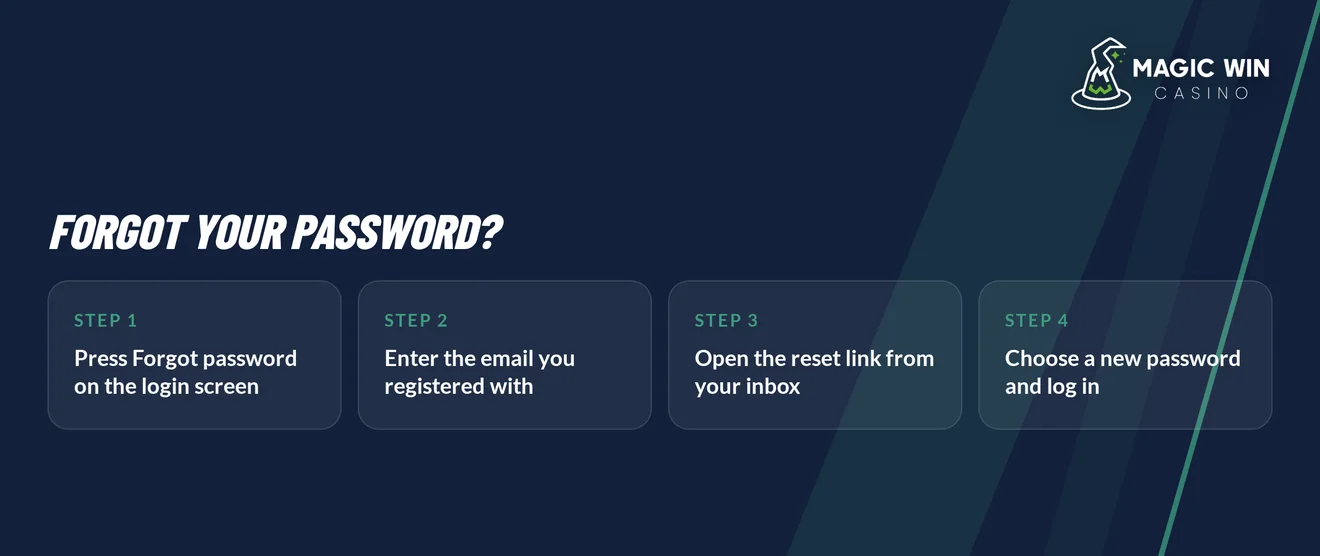
- Click Login, then Forgot password.
- Type the e-mail address tied to your account. If you registered by phone, enter your phone number instead.
- Check the message from the casino, then either click the reset link or type in the code.
- Choose a new password and save it.
- Sign in with the new password and finish the e-mail confirmation if the site asks for it.
Choose a password that you have never used on another site. Should no message show up, check your spam folder, then ask for another one.
Account Locked or Suspended
Repeated failed attempts can trigger a lock. Work through these steps in the order given:
- You: use the steps above to reset your password. That clears most locks right away.
- You: clear cookies, then try again in a new browser session.
- Support: if the lock remains, start a live chat and provide your registered e-mail or phone number.
- You: when the agent requests documents, finish KYC first. Support picks things up again after the files are approved.
Self-exclusion blocks sign-in as well. You will find deposit limits, session controls and self-exclusion in the Responsible Gaming section of your account. While an exclusion is active, the account stays closed to play until the period you chose has run out. If gambling feels out of control, GamCare runs the National Gambling Helpline on 0808 8020 133 (gamcare.org.uk).
KYC Verification
Before any withdrawal is paid, Magicwin Casino confirms who you are. While that check is pending, the payout waits until the documents pass approval.
Documents to prepare:
- Proof of ID: your passport or ID document
- Selfie: a clear photo of your face
- Proof that you own the payment method
Send everything at once so you avoid repeat requests. The casino may also want a phone verification call before it pays a withdrawal. Take the call from the number on your account, because the payout stays on hold until the call is done.
Logging In via Mobile App
There is no Magicwin Casino download on the App Store or Google Play. Instead, you add an installable PWA shortcut to your home screen, and it opens the same site.
- Load the Magicwin Casino website in Safari on an iPhone, or in Chrome on Android.
- On iPhone, hit Share and pick Add to Home Screen. On Android, bring up the browser menu and select Add to Home screen.
- Tap the new icon and log in with your usual credentials.
| Feature | Shortcut |
|---|---|
| Install source | Safari or Chrome |
| Login method | Same credentials as the browser |
| Biometric login | Not part of the shortcut |
| Push notifications | Not part of the shortcut |
Should the shortcut load an out-of-date page, wipe the cookies in the browser you installed it from, then reload.
Contact Support
When the fixes above fail, support takes on your case directly. Keep your registered e-mail or phone number handy so the agent can locate your account quickly.
| Channel | Availability | Language |
|---|---|---|
| Live chat | 24/7 | English |
| 24/7 | English |
For a locked account or a failed code, live chat works best, since an agent can act while you wait. Choose email if you need to send KYC documents or screenshots of an error.
FAQ
Magicwin Casino is open to adults of 18 and over. Wager only what you can afford to lose, choose deposit and session limits that fit you, and walk away if play stops being fun.